:format(webp))
:format(webp))
Why You Might Think Twice Before Choosing WordPress
When you’re planning a website, WordPress often feels like the obvious choice. You’ll find out why it isn’t always the best fit, what hidden challenges it brings—from security headaches to environmental impact—and which modern alternatives can spare you many of these hassles.
Not the Right Option for Every Project
WordPress shines for blogs and simple business sites, but it may be overkill or underpowered elsewhere.
Small brochure sites: A static site generator like Hugo can be faster and leaner.
Highly interactive apps: Frameworks such as Next.js let you build SPA-like experiences without plugin workarounds.
Enterprise portals: Headless CMS platforms often integrate more smoothly with third-party services and complex workflows.
Project Type | Recommended Tool | Benefits |
|---|---|---|
Small brochure sites | Hugo | Faster load times and smaller payloads |
Highly interactive apps | Next.js | SPA-like experience without plugins |
Enterprise portals | Headless CMS | Seamless third-party integration and complex workflow support |
When Simpler Tools Suffice
If you don’t need user accounts, comments, or frequent content edits, a flat-file CMS (e.g., Grav ) or plain HTML site may get you online with less fuss.
Security Risks and Constant Maintenance
Running WordPress means a steady stream of patches—and hackers know that.
High target profile: The Sucuri 2020 Website Security Report shows that 94% of infected CMS sites were WordPress.
Frequent updates: Core, themes, and plugins each follow independent release schedules, requiring constant attention.
Third-party code: Poorly coded plugins or themes can introduce critical backdoors.
“Because WordPress powers nearly half the web, attackers focus on its vulnerabilities.” – Security analyst Chris Krebs
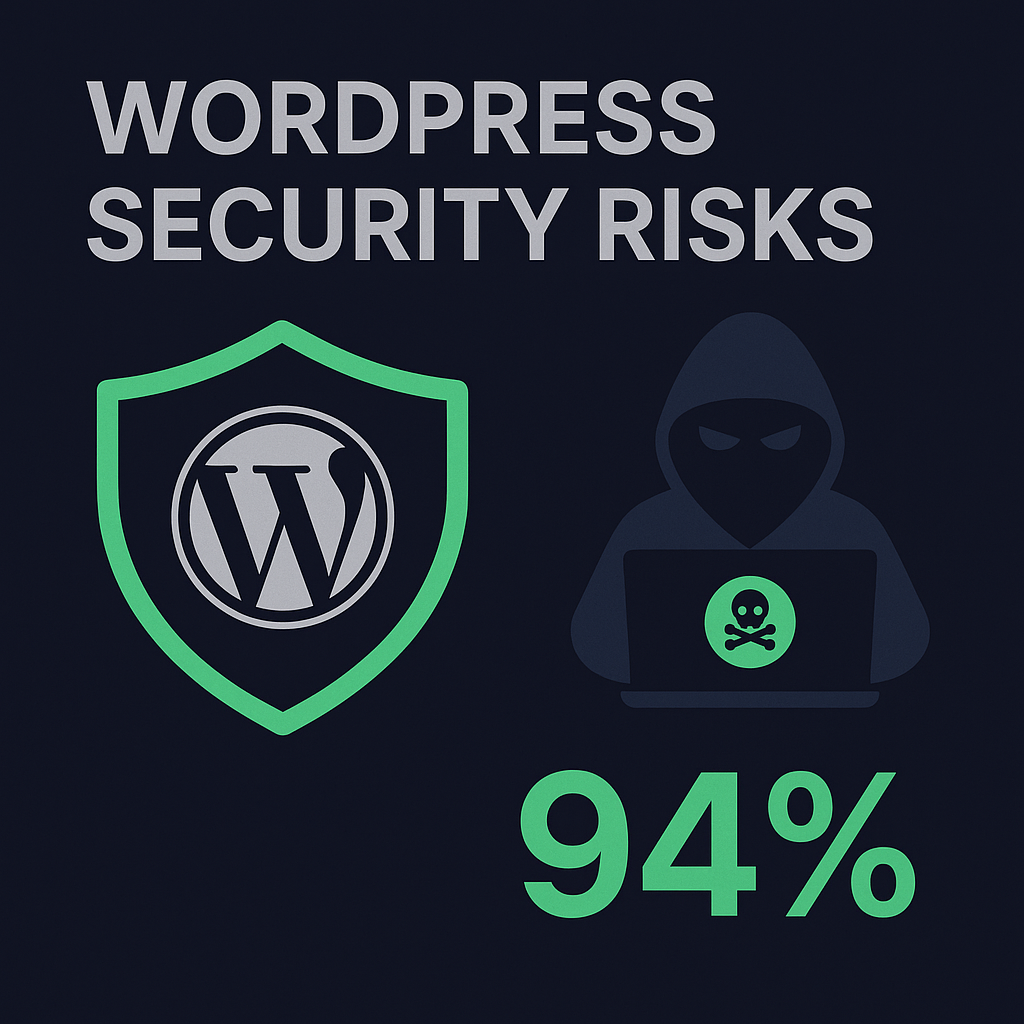
Even if you update promptly, you’ll spend time testing compatibility and rolling back broken extensions.
Performance and Resource Concerns
Out of the box, WordPress can feel sluggish—especially when you pile on plugins and bulky themes.
Each plugin may add database queries, CSS, or JavaScript.
Shared hosting often struggles under high-traffic spikes.
Page-generation times can exceed 500 ms without caching, as demonstrated in benchmarks by Kinsta .
Setup | Typical Page Generation Time |
|---|---|
WordPress (no caching) | >500 ms |
WordPress (with caching) | ~100–200 ms |
Static site | <50 ms |
The Environmental Toll of Heavy Hosting
More CPU cycles and RAM translate into higher energy use, meaning dynamic CMS-driven sites typically consume significantly more server power than static equivalents.
Customization and Plugin Dependency
WordPress prides itself on extensibility, but that strength can become a liability.
Plugin reliance: You may need 10+ plugins just for SEO, forms, and security.
Learning curve: Custom tweaks often require PHP, CSS, or direct database edits.
Plugin costs: Premium extensions can add hundreds of dollars to your annual budget.
Hidden Challenges: Accessibility and SEO Pitfalls
Even if you tick off basic reasons for avoiding WordPress, these less-talked-about issues can trip you up.
Accessibility compliance
Most themes don’t meet WCAG 2.1 guidelines by default. You might need an accessibility audit and ARIA tweaks, given that the WebAIM Million project found widespread failures.
SEO pitfalls
Duplicate content from tag/category archives can dilute rankings, and Yoast warns that unindexed tag and category archives can create duplicate content issues . Bloated headers and inline scripts may also slow down crawler indexing.
Data Portability and Vendor Lock-In
Moving away from WordPress can be tougher than you think.
Serialized data: Complex plugin settings often serialize PHP objects in the database.
Custom post types: Export tools struggle to map proprietary fields.
Theme shortcodes: Content littered with `[shortcode]` breaks if you switch.
A migration may require manual database cleanup or custom scripts to preserve content structure.
Emerging Alternatives: Headless CMS Options
Modern headless platforms deliver content via APIs, offering better scalability and security.
Contentful: API-first model with granular role control ( contentful.com ).
Storyblok: Best CMS UX for marketers ( storyblok.com ).
Payload: Developer Frienndly CMS, still with stellar UX ( payloadcms.com ).
Sanity: Real-time collaboration and structured content ( sanity.io ).
Strapi: Open-source, self-hosted option with a flexible plugin system ( strapi.io ).
Moving Forward with Confidence
By weighing these factors—security, performance, custom needs, hidden compliance, and migration pain—you’ll pick a tool that fits your long-term goals. Whether you stick with WordPress or opt for a leaner or headless solution, you now have the insights to choose the path that keeps you in control.
:format(webp))
:format(webp))
:format(webp))