:format(webp))
:format(webp))
Astro vs Next.js: Choosing the Right Framework for Your Project
When you’re starting a new web project, picking the right framework can save you weeks of rework. In this article, you’ll learn how Astro and Next.js differ in performance, flexibility, ease of use, SEO, and common use cases—plus advanced features that most comparisons miss.
Matching Framework to Project Needs
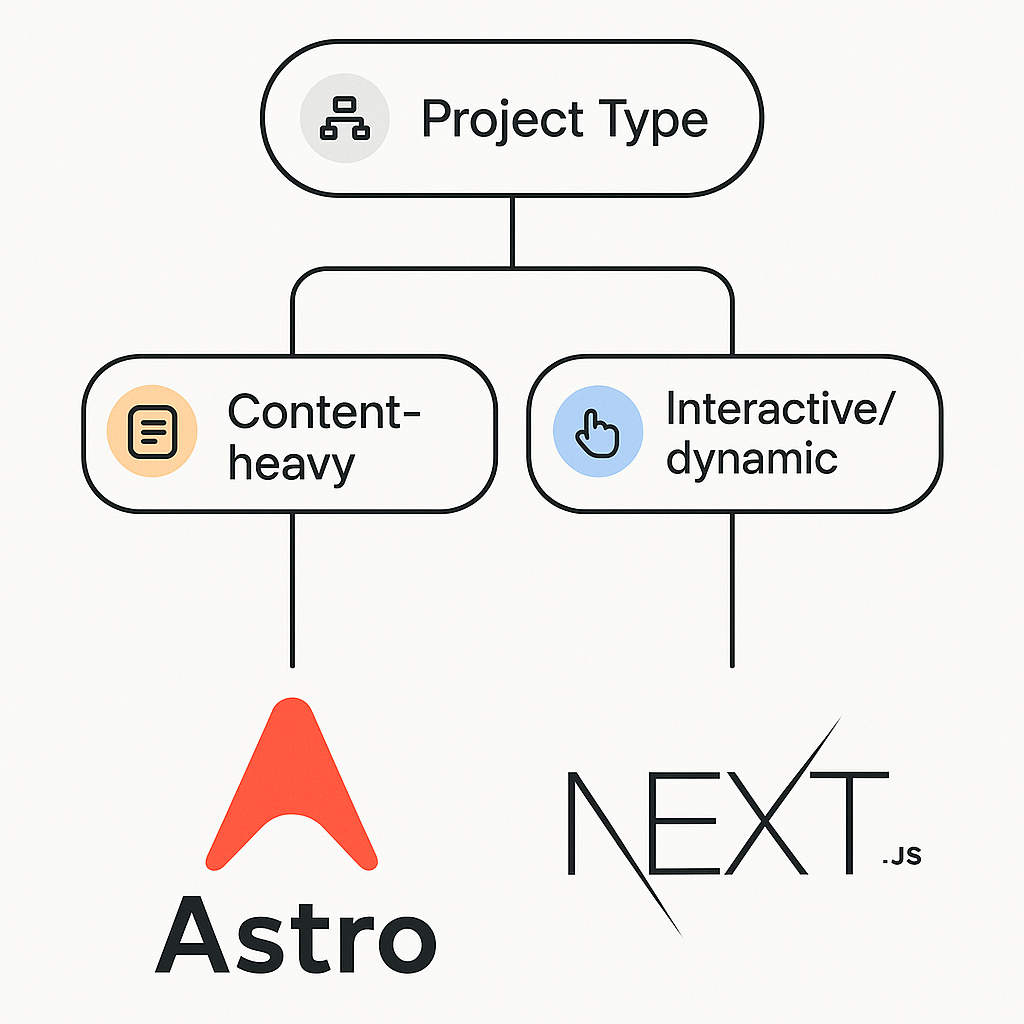
Every site has its own priorities. Content-heavy blogs or marketing pages need blazing-fast load times, whereas e-commerce platforms or dashboards demand dynamic interactivity and real-time data. By understanding each framework’s strengths, you’ll zero in on the one that aligns with your goals.
Astro: The Content-Focused Champion
Astro was built with static HTML in mind. It delivers pre-rendered pages and only adds JavaScript when you explicitly request it, ensuring minimal overhead.
Astro shines for:
Blogs, documentation, and marketing sites
Landing pages with forms or simple widgets
Portfolios and brochure-style websites
Partial Hydration & “Zero JavaScript by Default”
Astro ships only HTML and CSS unless you import a component that needs interactivity. This “ zero JavaScript by default ” approach ensures that only necessary scripts are sent to the browser, dramatically improving Core Web Vitals .
Islands Architecture
By treating interactive components as isolated “islands,” Astro lets you hydrate just those bits with JavaScript, leaving the rest of the page static. That selective hydration strategy delivers fast first paints and low memory usage, as explored in Smashing Magazine’s island architecture guide .

Multi-Framework Integration
If you have React, Vue, or Svelte components you love, you can drop them all into one Astro project. This flexibility makes incremental migrations or component sharing across teams easy, as shown in SitePoint’s getting started with Astro .
Next.js: The Versatile Powerhouse
Next.js is a full-featured React meta-framework. It supports server-side rendering, static generation, API routes, edge middleware and more, giving you the tools to build almost any web application.
You’ll find Next.js’s strengths especially useful for:
E-commerce platforms
User dashboards and admin panels
Social media–style applications
Personalized marketing experiences
Server-Side Rendering & Incremental Static Regeneration
Next.js lets you render pages on the server at request time (SSR) or pre-render them ahead of time (SSG). Its Incremental Static Regeneration (ISR) feature updates static pages on demand without a full rebuild, so you can publish new marketing copy without downtime, according to the official Next.js docs on Incremental Static Regeneration .
Rust-Powered SWC Compiler & Server Components
Since version 12, Next.js has used the Rust-based SWC compiler for JavaScript and TypeScript, cutting build and refresh times significantly compared to Babel. On top of that, React Server Components allow you to stream HTML to the client with minimal JavaScript, improving Time to First Byte and reducing bundle sizes.
Edge Middleware & Hybrid SEO
Next.js middleware runs at the edge, so you can handle authentication, feature flags, or A/B tests before your page loads (see Cloudflare Workers documentation on edge computing ). Meanwhile, its hybrid rendering lets you mix SSR, SSG and client-side fetching on a per-page basis, giving you fine-grained control over SEO and performance, as explained in freeCodeCamp’s SSR vs SSG guide .
Performance & SEO Showdown
Astro
Pre-renders 100% of pages by default
Only hydrates interactive parts
Minimal JavaScript payloads
Next.js
Hybrid SSR/SSG for dynamic needs
ISR updates static pages seamlessly
Unmatched flexibility and huge ecosystem
Astro | Next.js |
|---|---|
Pre-renders 100% of pages by default | Hybrid SSR/SSG for dynamic needs |
Only hydrates interactive parts | ISR updates static pages seamlessly |
Minimal JavaScript payloads | Unmatched flexibility and huge ecosystem |
Both frameworks can achieve 90+ scores in Google’s Core Web Vitals when configured correctly, but Astro often leads out of the box on pure content sites, while Next.js wins when you need real-time personalization. For detailed scoring metrics, see web.dev’s Lighthouse performance scoring guide .
Weighing the Learning Curve & Ecosystem
Astro
- Minimal conventions
- Lightweight CLI and config
- Works with multiple UI libraries
Next.js
- Requires solid React knowledge
- Deeper file-based routing and data-fetching APIs
- Large plugin ecosystem (Vercel, Auth0, etc.)
If you’re already fluent in React, Next.js feels natural. If you just want to write Markdown and sprinkle in components, Astro may be faster to pick up.
Beyond the Basics: Use Cases at a Glance
Choose Astro if you want:
A marketing site that scores 100 on Lighthouse
To migrate a blog from Jekyll with minimal rewrites
To integrate Vue or Svelte widgets alongside React
Choose Next.js if you need:
An online store with real-time inventory checks
User dashboards behind authentication
A/B testing and feature flags at the edge
Astro Use Cases | Next.js Use Cases |
|---|---|
Marketing site that scores 100 on Lighthouse | Online store with real-time inventory checks |
Migrate a blog from Jekyll with minimal rewrites | User dashboards behind authentication |
Integrate Vue or Svelte widgets alongside React | A/B testing and feature flags at the edge |
Your Next Step
Now that you’ve seen how Astro and Next.js compare on performance, flexibility, SEO, and advanced features, you can decide which one lines up with your project goals. Pick the tool that matches your priorities—whether it’s ultra-fast static pages or dynamic web apps that scale—and start building with confidence.
:format(webp))
:format(webp))
:format(webp))