:format(webp))
:format(webp))
Building Scalable, Inclusive E-Learning with ReactJS
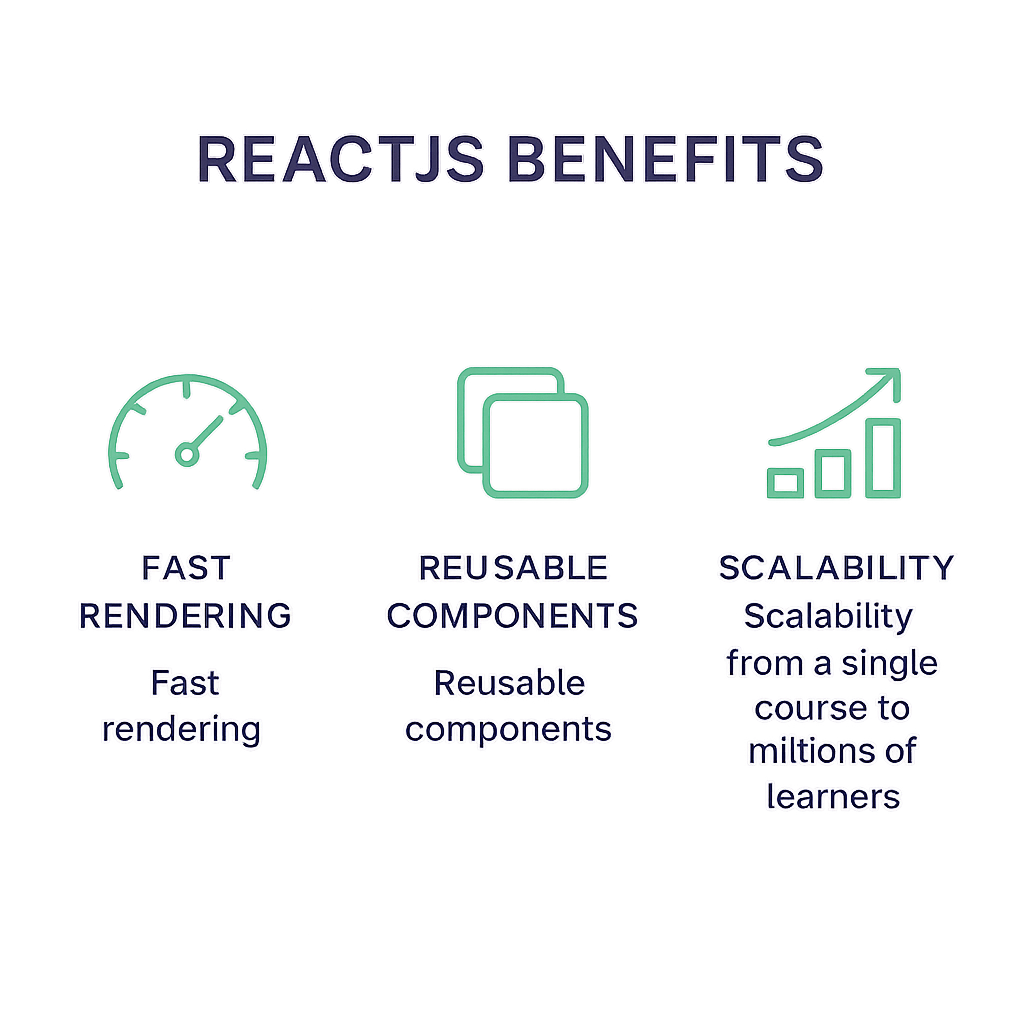
When you choose ReactJS for your next educational platform, you get more than just a [UI library](https://en.wikipedia.org/wiki/React(JavaScriptlibrary))—you unlock fast rendering, reusable components, and an ecosystem that scales from a single course to millions of learners worldwide.
Why ReactJS Fits E-Learning Perfectly
React’s architecture and community support make it a natural choice for education platforms:
High Performance: React’s virtual DOM batches updates efficiently, keeping your UI snappy even with thousands of elements on screen, as detailed in DigitalOcean's React performance optimization guide .
Reusable Components: Build a lesson card once, reuse it in quizzes, discussion forums, and dashboards by leveraging React's component-based architecture .
SEO-Friendly: When paired with server-side rendering (SSR) in frameworks like Next.js , React pages get indexed by search engines just like static sites.
Cost-Effective Development: A vibrant ecosystem of libraries and boilerplates means you spend less time setting up and more time teaching.
Proven Adoption: Platforms such as Khan Academy , Coursera , Codecademy , and edX rely on React to power millions of learners.
Core React Features for E-Learning Apps
Feature | Benefit |
|---|---|
JSX & Component-Based Architecture | Streamlines development and testing |
One-Way Data Flow & State Management | Predictable state with options like Redux Toolkit, Zustand, Jotai, React Query |
React Native for Mobile Parity | Shared codebase for consistent cross-platform experience |
JSX & Component-Based Architecture
JSX lets you write UI code that feels like HTML but packs the full power of JavaScript by tools like Babel’s React JSX transform plugin . Breaking your app into components—CourseCard, VideoPlayer, QuizWidget—streamlines development and testing.
One-Way Data Flow & State Management
React’s unidirectional data flow keeps state predictable. For complex assessment workflows (timers, autosave, partial credit), you can choose from Redux Toolkit , Zustand, Jotai, or React Query. Each offers a distinct balance of boilerplate, performance, and developer ergonomics.
React Native for Mobile Parity
With a shared codebase and design tokens between web and mobile, learners get a consistent experience whether they’re on desktop, tablet, or smartphone by following the React Native documentation .
Scaling with Advanced Architectures
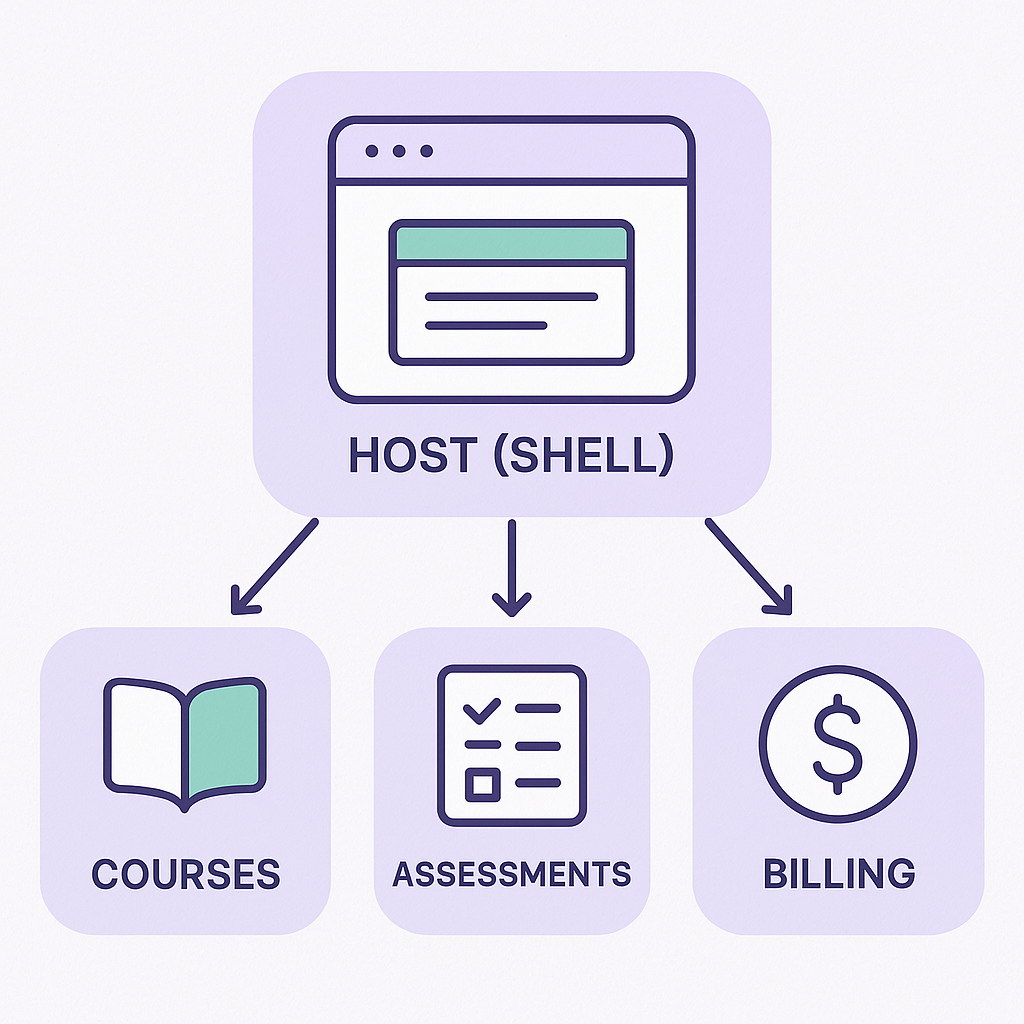
Micro-Frontends for Large Portals
Split a monolithic React app into independently deployable “mini-apps”—courses, assessments, billing—to let multiple teams ship features in parallel and reduce build times. Martin Fowler details this approach in his micro-frontends article .
Edge Rendering & Content Delivery
Use SSR/SSG frameworks with edge functions on Vercel to serve quiz validations, content gating, and personalized recommendations from servers geographically close to your students—minimizing latency for video, text, or interactive exercises.
Bringing Real-Time Interactivity to Life
Live Classes with WebRTC & WebSockets
Implement low-latency video and audio via WebRTC , fallback messaging or presence via the WebSocket API , and collaborative whiteboards with CRDTs or operational transforms. Tweak codecs and bitrate to handle variable bandwidth, ensuring everyone stays connected.
Gamification Mindfully
Introduce badges, streaks, and XP systems to reward progress—but avoid reward loops that feel manipulative. Balanced gamification can increase completed courses by up to 30%, according to an eLearning Industry survey .
Designing for Every Learner
Accessibility as a Foundation
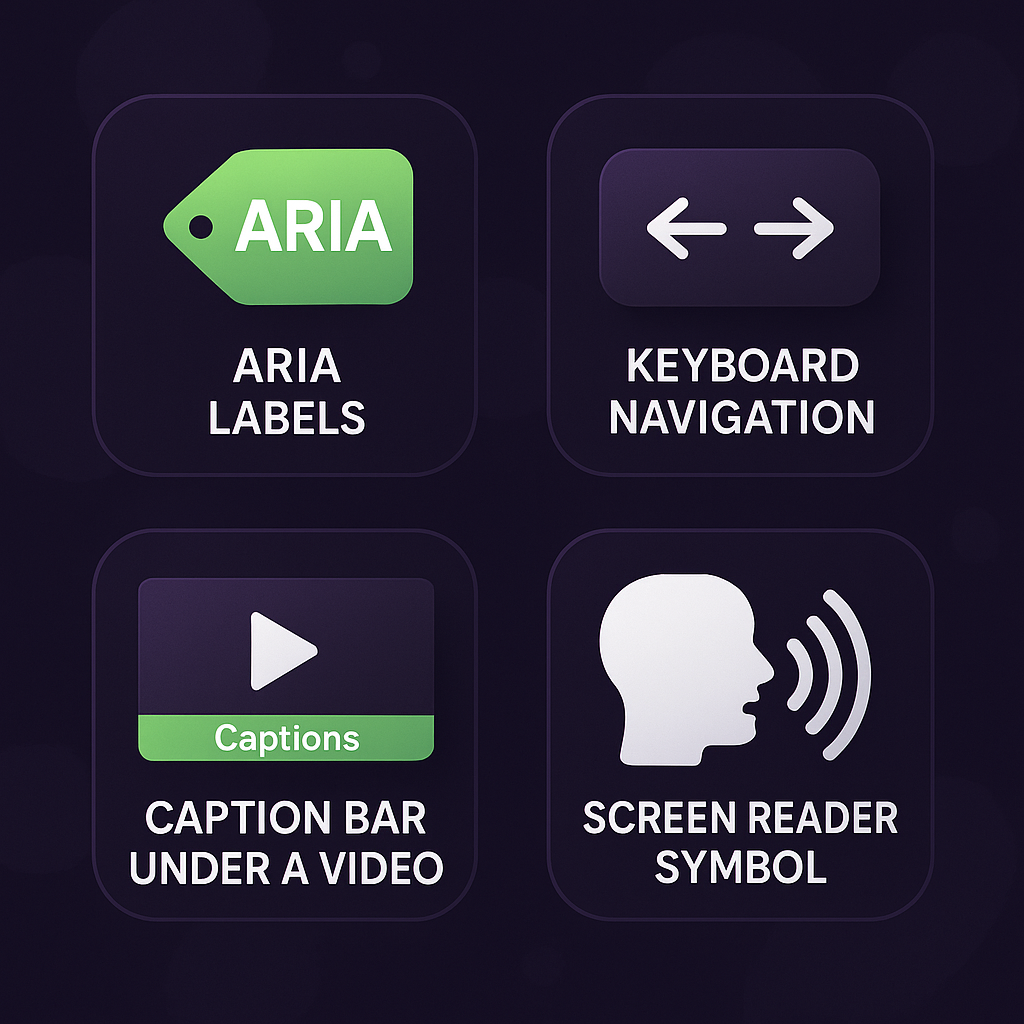
Aim for WCAG 2.2 compliance : use ARIA roles, manage focus traps in modal dialogs, enable full keyboard navigation, and provide captions/transcripts for audio/video. Tools like axe-core and Storybook’s a11y addon catch issues early.
Internationalization & Localization
Leverage libraries like react-intl or i18next with ICU message syntax. Handle right-to-left scripts (Arabic, Hebrew), dynamic locale loading, plural rules, and date/number formatting so students worldwide feel at home.
Offline-First with Progressive Web Apps
Turn your platform into a PWA to cache lessons and quizzes for offline study. Use the Background Sync API to send progress when connectivity returns by following Google's Background Sync documentation . Implement conflict resolution when multiple devices update the same course state.
Secure, Compliant Assessments
Proctoring & Integrity: Integrate browser-based webcam monitoring, keystroke biometrics, secure full-screen modes, and clear consent flows to respect privacy.
Standards Interoperability: Embed third-party tools via LTI , track learning records with xAPI , and render SCORM packages inside React via the SCORM project .
Data Protection: Build workflows that comply with COPPA guidelines , minimizing sensitive data collection and enforcing role-based access controls.
A New Era of Learning
You’ve seen how ReactJS’s performance, component model, and ecosystem make it a top choice for e-learning. By embracing micro-frontends, real-time interactions, accessibility, localization, offline capabilities, and strict security standards, you can deliver a platform that not only scales but also welcomes every learner, everywhere.
With these strategies in your toolkit, you’re ready to craft the future of digital education—one React component at a time.
:format(webp))
:format(webp))
:format(webp))