:format(webp))
:format(webp))
Mastering React Server Components with Next.js: A Deep Dive
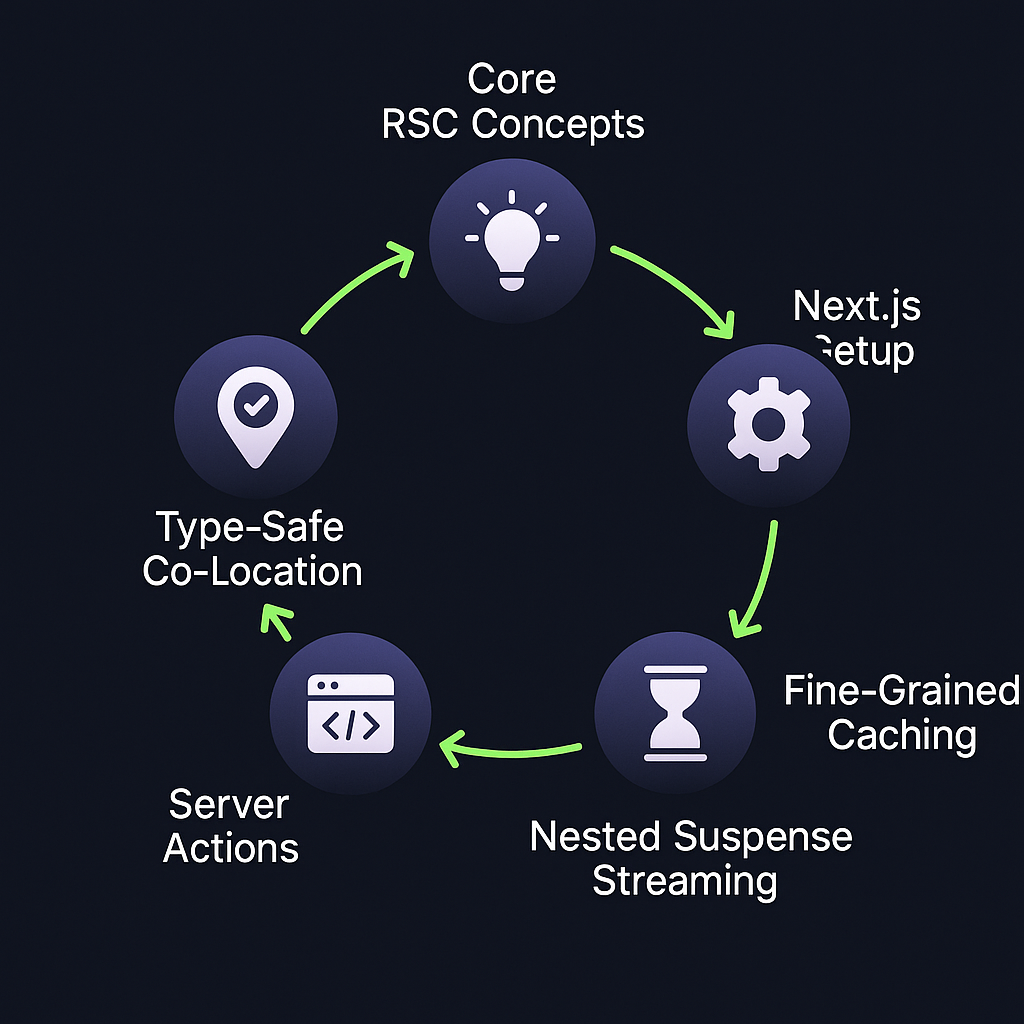
By the end of this guide, you’ll understand the core concepts behind React Server Components (RSCs), learn how to set them up in Next.js, and explore advanced strategies—like fine-grained caching, streaming with nested Suspense, server actions, and type-safe co-location—to build faster, more secure applications.
What Are React Server Components?
React Server Components let you render parts of your UI on the server, reducing client-side overhead and improving performance. The official React blog post on Server Components explains how they fetch data and ship rendered UI fragments instead of raw JSON, cutting down on client JavaScript and keeping sensitive logic hidden from the browser. You can mix Server Components and Client Components freely in a Next.js app by adopting the new `app/` directory and its conventions, as detailed in the Vercel announcement for the Next.js App Directory .
Fetch data and access backend resources server-side
Ship rendered UI instead of raw JSON, cutting down on client JavaScript
Keep sensitive logic hidden from the browser
Attribute | Server Components | Client Components |
|---|---|---|
Data Fetching Location | Server | Client |
Shipped Code | Rendered HTML fragments | Raw JSON & JS |
Security | API keys hidden | Exposed |
Client Bundle Impact | Reduced | Full |
Setting Up Server Components in Next.js
Create files under the `app/` directory—by default, these are Server Components.
Opt a file into client-side behavior by adding `"use client"` at the top.
Install and configure any required plugins (e.g., for CSS or image handling).
That’s it—Next.js handles bundling and routing for you.
Core Benefits
Less JavaScript on the Client
By rendering UI on the server and streaming HTML fragments, RSCs can reduce the bundle size your users download. In practice, teams report an average 30% reduction in client-side JavaScript when migrating key routes to Server Components.
Secure Data Access
Since your data-fetching logic runs server-side, secrets like API keys or database credentials never reach the browser, mitigating common attack vectors documented in the OWASP Top Ten .
Simplified Data Fetching
You can call `fetch()` directly inside a Server Component —or use database clients—without creating intermediate API routes, streamlining your code and reducing boilerplate.
Advanced Patterns and Best Practices
Fine-Grained Bundling & Cache Invalidation
Next.js uses request-level caching and memoized fetches to avoid re-sending unchanged UI payloads across navigations. You can control cache behavior per call:
const res = await fetch('/api/data', { next: { revalidate: 60 } })This partial invalidation means only updated segments re-render.
Streaming with Suspense Boundaries
Nested `<Suspense>` lets you stream pieces of the page as they’re ready while keeping interactive islands responsive. Finer boundaries mean more incremental hydration at the cost of extra boundaries; coarser ones group content but delay interactivity until larger chunks arrive.

Server Actions vs. API Routes
Next.js 13.4 introduced Server Actions (`"use server"`) for form mutations:
Benefit from optimistic UI and automatic revalidation
Write mutations alongside your component rather than in a separate endpoint
Use API routes when you need a standalone REST or GraphQL interface.
Feature | Server Actions | API Routes |
|---|---|---|
Usage | Inline form mutations | Separate endpoints |
Code Location | Within component | API folder |
Revalidation | Automatic | Manual |
Best Use Case | Optimistic UI flows | External API interfaces |
Co-location & Type Safety
Co-locate database queries and schema validation inside Server Components using TypeScript and tools like Zod. By default, only code above the nearest `"use client"` boundary is shipped to the server, preventing accidental leaks.
Edge vs. Node Runtimes
Choose the Edge runtime for lower TTFB and global scale, but be aware that some Node-only libraries (e.g., certain ORMs) won’t run there. Next.js makes it easy to opt individual routes into either runtime.
Cache Lifetimes & Revalidation
Control freshness and performance with `fetch` options:
`force-cache` (default): keep data until manual invalidation
`revalidate: <seconds>`: stale-while-revalidate
`no-store`: always fetch fresh
Segment-level revalidation helps balance consistency under load.
Avoiding Data Loader Antipatterns
Nested Server Components can inadvertently fetch the same data multiple times. To prevent this:
Share async resources via React context on the server
Centralize fetch logic in a single helper
Use deduplication techniques like request-scoped caches
Deploying a Future-Proof App
React Server Components are no longer experimental—they’re changing how we think about building React UIs. By combining RSCs with advanced caching, streaming strategies, server actions, and rigorous type-safe patterns, you’ll deliver apps that load faster, stay more secure, and are easier to maintain. Start by migrating an isolated route, measure your real-world gains, then expand adoption step by step. Enjoy a development experience where server-side power and client-side interactivity coexist seamlessly.
:format(webp))
:format(webp))
:format(webp))