:format(webp))
:format(webp))
Website Migration: The Comprehensive Guide to a Smooth Transition
In this guide, you’ll discover what website migration really involves, why it matters for your SEO and user experience, and how to plan, execute, and monitor a seamless move. You’ll also learn specialized tactics for preserving structured data, safeguarding Core Web Vitals, handling international or multilingual setups, migrating large e-commerce catalogs, and staying compliant with data-privacy laws.
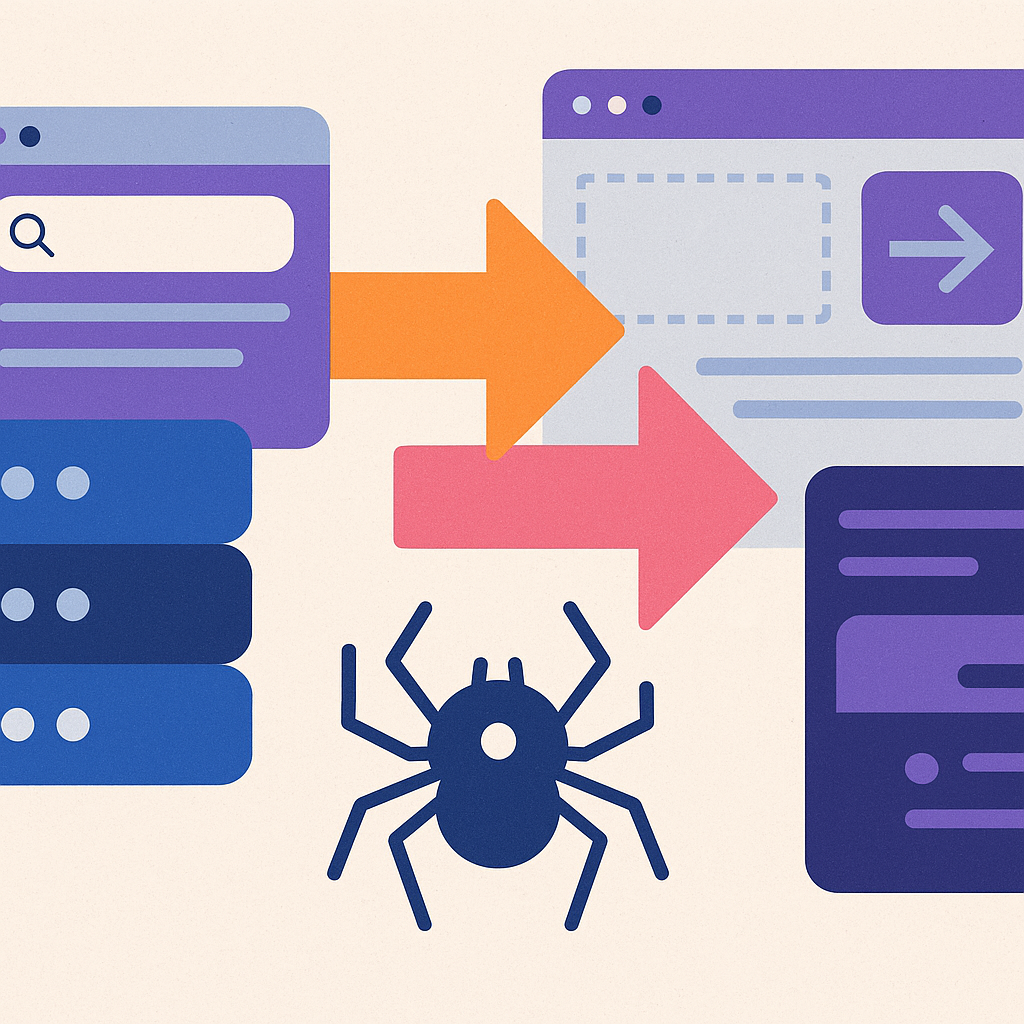
What Is Website Migration?
Website migration refers to any major change in your site’s hosting, platform, URL structure, design, or content that can affect how search engines crawl and index your pages (see support.google.com’s Site Moves documentation for a detailed overview). Whether you’re switching CMS, moving domains, rolling out HTTPS, or redesigning, every migration carries SEO and user-experience risks, so understanding the full scope of changes is critical for planning.
Why Migrate Your Website?
You might consider a migration for several reasons:
Rebranding or a refreshed visual identity
Upgrading to a more flexible CMS or e-commerce platform
Improving site performance and Core Web Vitals
Consolidating multi-domain setups or launching a global portal
Moving to HTTPS for enhanced security and SEO
Types of Website Migrations
Platform Migration
Moving from one CMS or e-commerce system to another (e.g., Joomla to WordPress).
Domain Migration
Switching to a new primary domain or consolidating multiple domains.
URL Structure Migration
Changing permalink settings or site architecture.
HTTPS Migration
Installing TLS/SSL to serve pages over secure HTTP.
Design Migration
Updating your site’s look and feel without altering URLs.
Content Migration
Moving, rewriting, or reorganizing existing pages and media.
International/Multilingual Migration
Implementing or restructuring language-specific sections with hreflang tags.
Migration Type | Description |
|---|---|
Platform Migration | Moving from one CMS or e-commerce system to another (e.g., Joomla to WordPress). |
Domain Migration | Switching to a new primary domain or consolidating multiple domains. |
URL Structure Migration | Changing permalink settings or site architecture. |
HTTPS Migration | Installing TLS/SSL to serve pages over secure HTTP. |
Design Migration | Updating your site’s look and feel without altering URLs. |
Content Migration | Moving, rewriting, or reorganizing existing pages and media. |
International/Multilingual Migration | Implementing or restructuring language-specific sections with hreflang tags. |
Planning Your Website Migration
A detailed plan reduces surprises. Key pre-migration steps include:
Define Clear Goals
Establish business and SEO objectives for the move.
Audit Your Current Site
Crawl your existing URLs with a tool like Screaming Frog SEO Spider and note rankings, traffic, and backlinks.
Benchmark Performance
Record Core Web Vitals metrics—Largest Contentful Paint, First Input Delay, and Cumulative Layout Shift—using PageSpeed Insights to establish your baseline.
Metric | What It Measures | Recommended Threshold |
|---|---|---|
Largest Contentful Paint | Page load speed | ≤2.5s |
First Input Delay | Interactivity | ≤100ms |
Cumulative Layout Shift | Visual stability | ≤0.1 |
Map Your URLs
Create a spreadsheet of old URLs versus new URLs; plan 301 redirects accordingly to preserve link equity.
Assemble Your Team
Include SEO specialists, developers, content editors, and legal/compliance advisors to cover all aspects of the migration.
Executing the Migration
1. Setting Up the New Environment
Install the CMS, theme or templates, SSL certificates, and server configurations on a staging domain to mirror production.
2. Migrating Content and URLs
Use your URL map to implement 301 redirects. Move text, images, metadata, and structured data scripts into the new site environment, ensuring consistency and preserving existing on-page signals.
3. Testing Before Launch
Verify all redirects work without loops or chains
Test mobile and desktop site speed and responsiveness
Check canonical tags (see MDN’s guide to canonical links)
Validate hreflang attributes, sitemap updates, and correct HTTP status codes
Crawl the staging site to catch 4xx/5xx errors before going live
Post-Migration Monitoring and Optimization
After launch, keep an eye on:
Crawl stats and errors in Google Search Console
Traffic and ranking fluctuations in Google Analytics
Redirect integrity using a crawler tool
Conversion rates and user behavior changes
Preserving Structured Data and Schema Markup
Rich results often drive higher click-through rates. When migrating:
Transfer your JSON-LD or microdata scripts exactly, adjusting URLs if needed
Validate your markup with the Schema.org Validator to catch errors
Re-submit your updated sitemap with structured data URLs to Google Search Console
Improving Core Web Vitals Post-Migration
Page-speed can suffer if you overlook optimizations during a migration. To maintain or enhance your scores:
Implement lazy loading for off-screen images
Compress and serve images in next-gen formats (WebP/AVIF)
Minify CSS and JavaScript bundles
Leverage a Content Delivery Network (CDN) for global asset distribution
Defer non-critical third-party scripts
According to Google, over half of mobile users abandon a page that takes longer than three seconds to load[^1].
Migrating International and Multilingual Sites
For sites targeting multiple regions or languages:
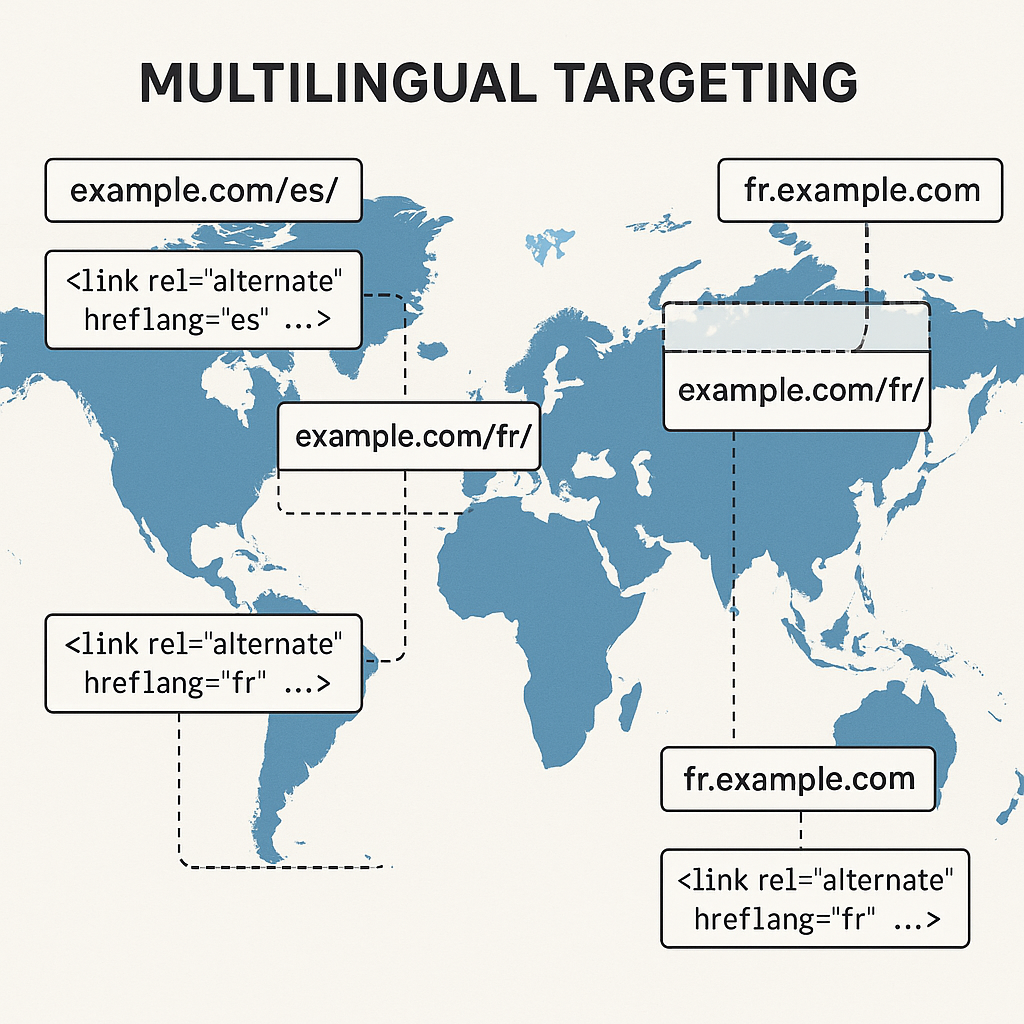
Preserve or reconstruct hreflang tags pointing to each locale
Use consistent subfolder (example.com/fr/) or subdomain (fr.example.com) structures
Create separate XML sitemaps per language and submit them to Search Console
Maintain language-specific metadata and translated alt text for images
Tackling Large E-Commerce Site Migrations
When your catalog spans thousands of products:
Use automated scripts or APIs to migrate product data and inventory levels
Retain order histories by exporting and importing your database or leveraging the new platform’s migration tool
Map legacy SKUs to new product IDs carefully to avoid orphaned pages
Test checkout flows end to end in a staging environment
Legal Considerations During Migration
Moving user data or changing hosting locations can trigger privacy requirements:
Update your Privacy Policy URLs and disclaimers if domains change
Ensure data transfers comply with GDPR if European user data is involved (see GDPR Article 44)[^2]
Review your cookie banners and consent records if moving to a new tracking platform
Check state-level laws like the California Consumer Privacy Act (CCPA) for California residents when transferring personal information
Next Steps: Keeping Your Site in Top Form
You’ve now covered the essentials of migrating your website—technical planning, SEO safeguards, performance tactics, international setups, e-commerce nuances, and legal checkpoints. Treat this guide as a living document: revisit benchmarks, refine redirects, and stay vigilant in Search Console after major updates. A well-executed migration can set you up for long-term growth, stronger user experiences, and higher search-engine visibility.
:format(webp))
:format(webp))
:format(webp))